Print Alignment

Setup Print Alignment for Your Window Stickers

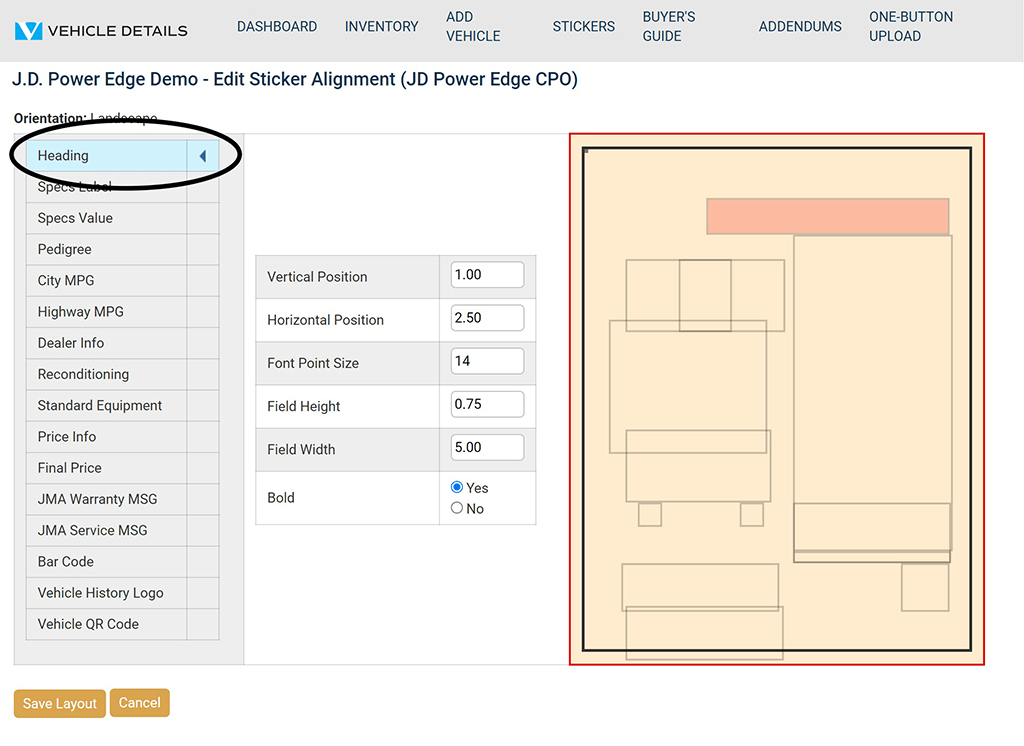
  1. Select Stickers on the main menu.
  2. Click Edit next to the Alignment Setup saved to your account.
  3. Make your changes to all necessary categories.
    • To move an item DOWN the page, increase the Vertical Position.
    • To move item UP the page, decrease the Vertical Position.
    • To move an item to the RIGHT on the page, increase the Horizontal Position.
    • To move an item to the LEFT on the page, decrease the Horizontal Position.
    • To change the FONT SIZE, increase or decrease the Font Point Size.
  4. When finished, click Save Layout at the bottom.
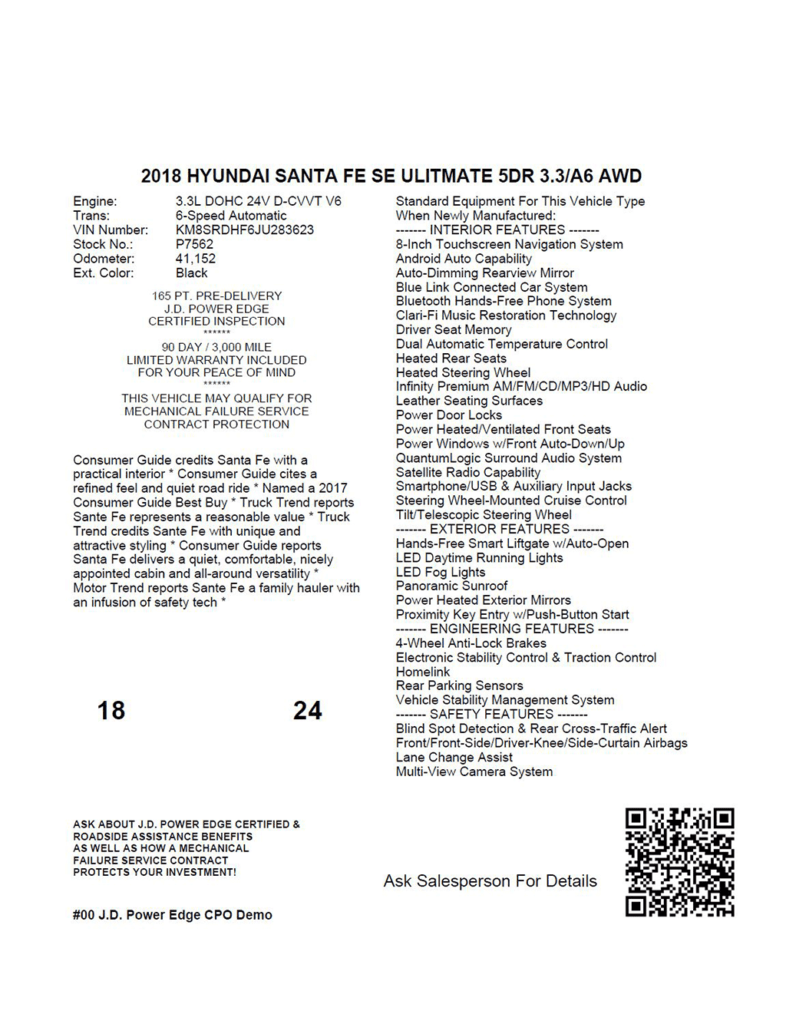
  5. Go back to Inventory and use the check box on the left to select your vehicle.
  6. Click Print Stickers to test the changes you made.
Vehicle Details Print Alignment
Vehicle Details Print

Program Manuals

NATIONAL PROGRAM NEW YORK PROGRAM

Contact your JM&A Group Representative at jmacustomerservice@jmagroup.com

Contact Us

For Inventory Management and Window Sticker Application Technical Support,
9:00 AM to 4:00 PM Central Time, Monday through Friday, please call:

Phone: (262) 240-9652

Email: support@vehicledetails.com

Ticket System: support.vehicledetails.com

For claims regarding the Limited Warranty, please call or fax: (800) 327-5172.

To order Limited Warranty forms, Buyers Guides or J.D. Power® Edge Pre-Owned* Program marketing materials, please call: (888) JMA-FORMS.

For billing questions, please call: (800) 443-9841 and press 6.